The Ultimate Guide to Choosing Music for Your Travel Vlog
Ever come home buzzing with excitement about the travel footage you shot, only to feel like something's missing once you sit down to edit? The secret ingredient that brings a video's mood to life is music.
But grab just any track you like, and you risk having your hard-earned upload demonetized — or worse, muted entirely. Here's a beginner-friendly checklist for adding the right mood music safely.
1. Why "free BGM" doesn't always mean "safe to use"
Even if you searched for "royalty-free music" and downloaded a track, that doesn't automatically make you in the clear. Free tracks still come with licensing terms set by the rights holder, and those terms vary widely:
- Attribution requirements: Some licenses require you to credit the creator in your video description, in a specific format.
- Monetization restrictions: A track might be fine for personal use, but trigger a copyright claim the moment your channel starts earning ad revenue.
- Platform restrictions: A song cleared for YouTube might still get blocked on Instagram or TikTok.
- Short clips still get flagged: Don't assume a 3- or 5-second snippet will slip under the radar. YouTube's Content ID system can detect even very short segments automatically and take action.
2. Three trusted free music sources for beginners
If you're not sure where to start looking, these platforms have clear, well-documented usage terms:
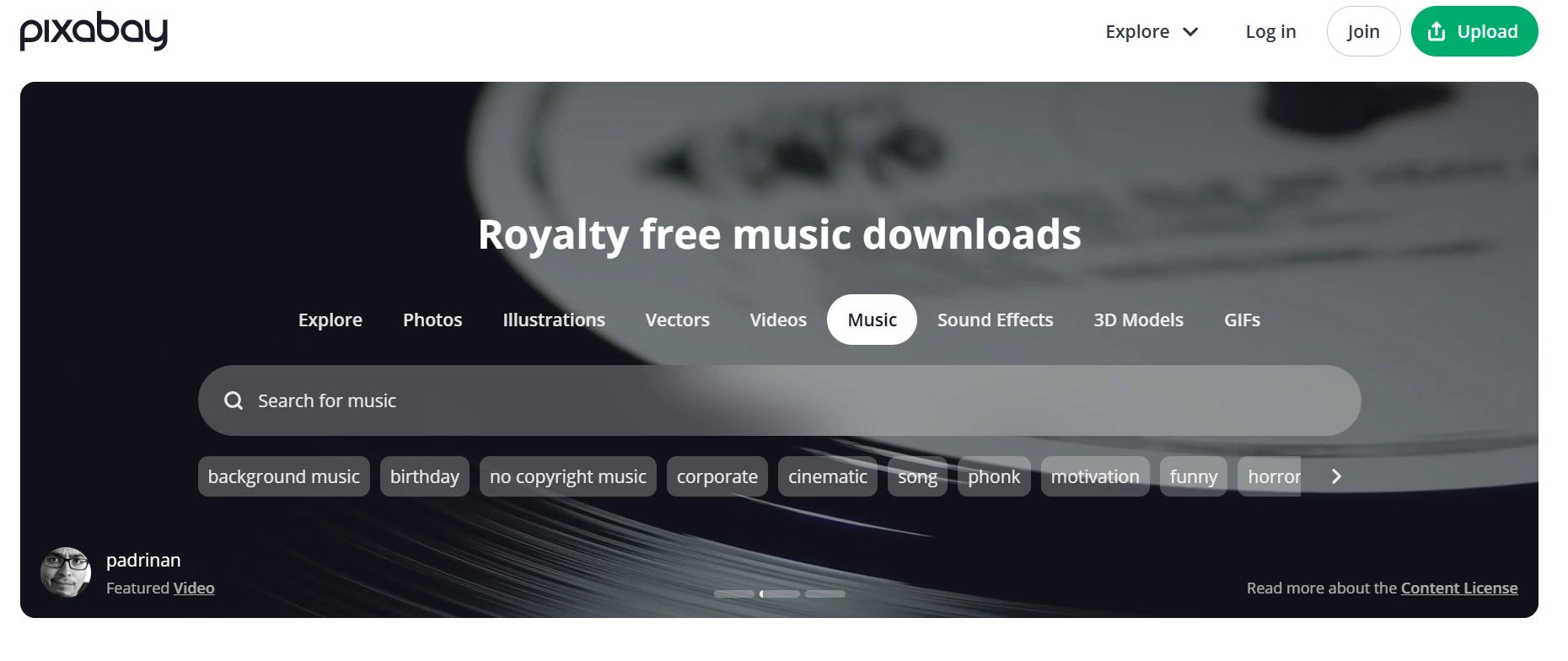
- YouTube Audio Library: YouTube's own built-in library, safe to use even on monetized channels. Filtering by "no attribution required" makes things even easier.
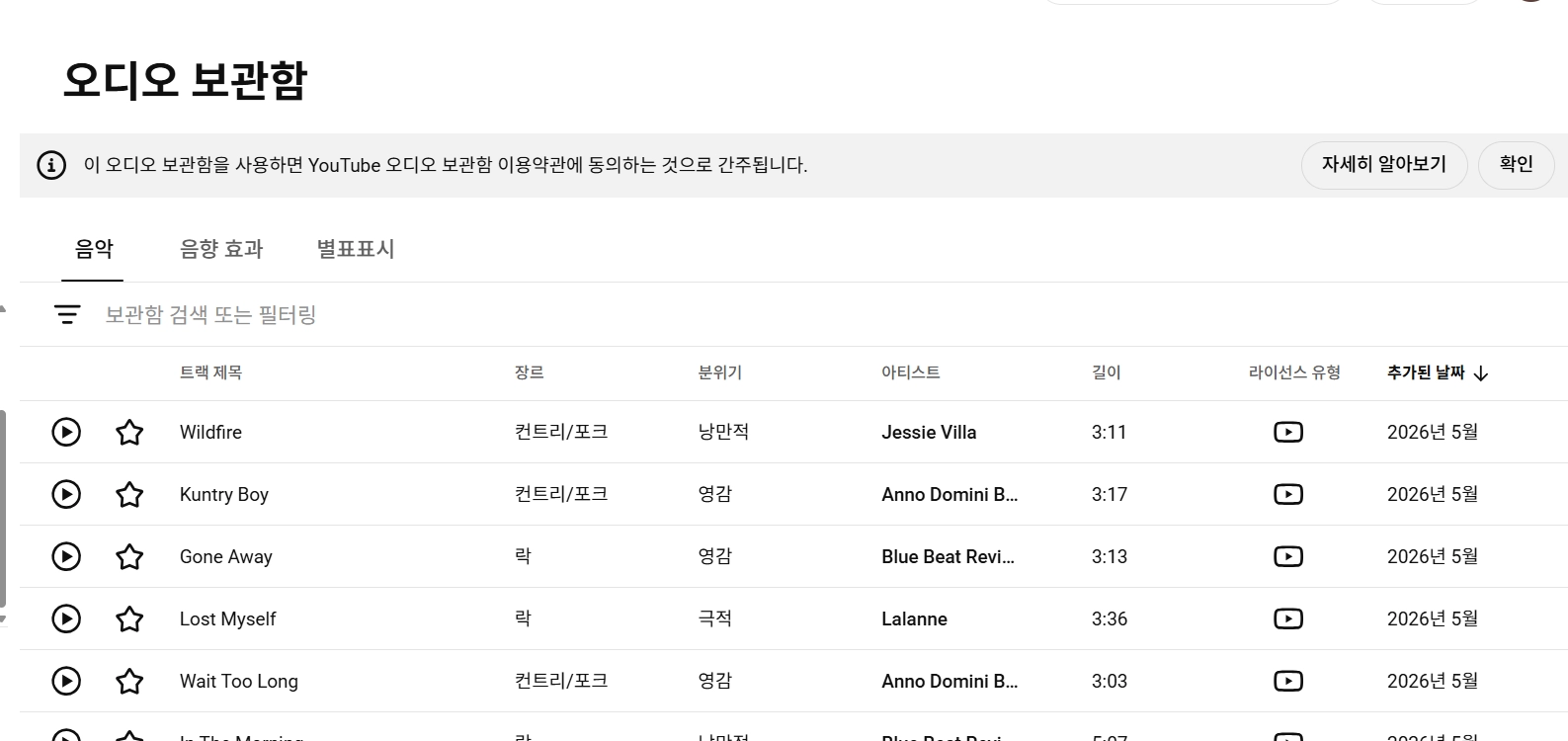
- Pixabay Music: A wide range of free tracks and sound effects across genres. Since it's an international site, searching English keywords like "travel" or "vlog" turns up plenty of atmospheric tracks.
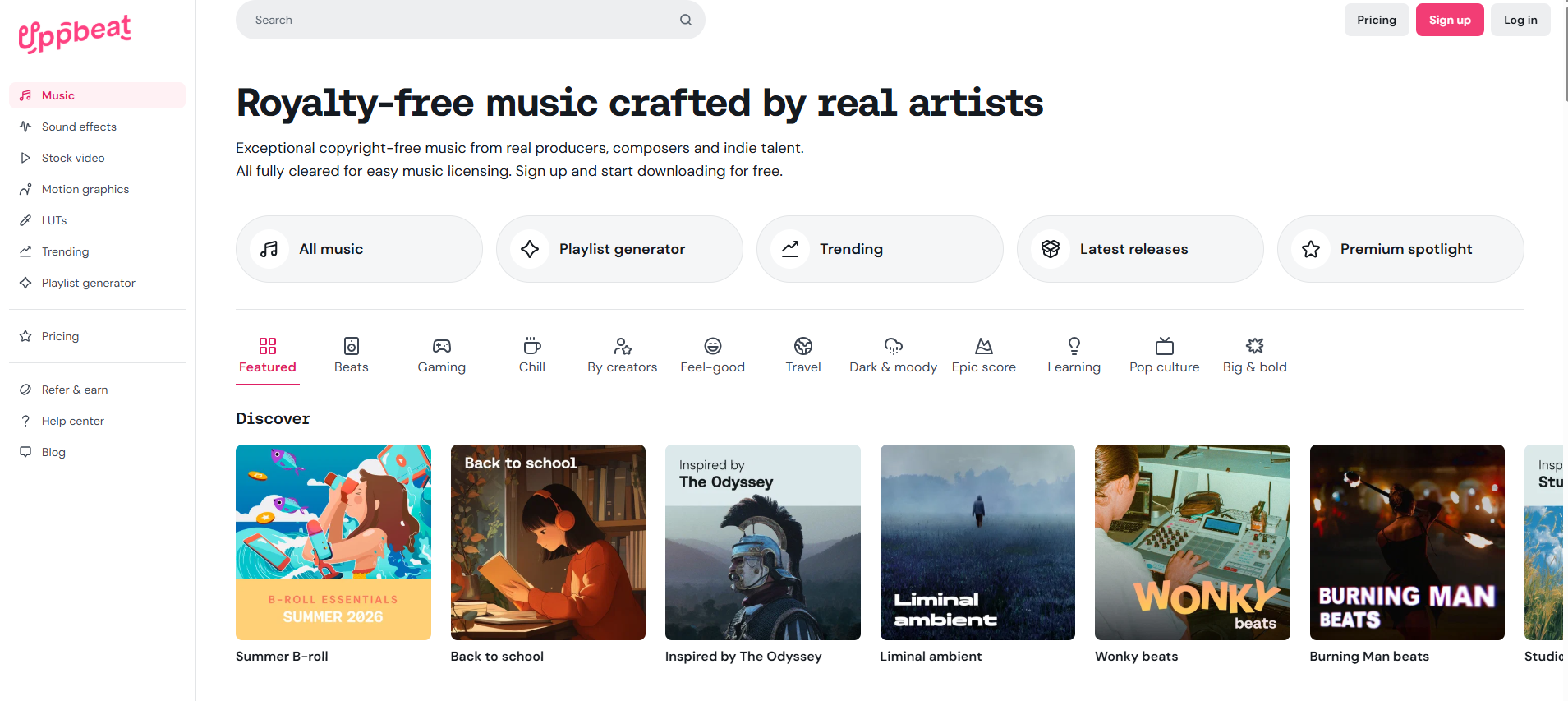
- Uppbeat: A free-tier music library built specifically for YouTube creators. Each free download comes with a unique safelist code you paste into your video description, which clears the track for monetization and prevents copyright claims before they happen.
3. Four simple editing tips to double your video's emotional impact
Once you've picked a great track, keep these four basic editing moves in mind to help it blend naturally into your footage:
- Lower the volume during dialogue
When there's narration or someone talking on-camera, dial the BGM volume down. Music shouldn't compete with dialogue — that's what keeps viewers immersed. - Ease in and out smoothly
A track that snaps on or cuts off abruptly makes a video feel jarring. Add a fade-in at the start and a fade-out at the end for a smoother transition. - Sync the video's highlight with the music's highlight
Matching your music's structure to the flow of your scenes creates a much more natural, dramatic result. For example, in a travel vlog, try timing the moment you arrive at your destination with the most powerful part of the track — where the beat really kicks in, or the chorus hits. - Cut the music entirely at key moments
In scenes where you want viewers' full attention on one thing, briefly cutting the BGM can be surprisingly effective. When music that's been playing continuously suddenly goes quiet, viewers naturally shift their focus to what's on screen and what's being said.
4. Skip the copyright research entirely with Heimlog
Or skip all of this legwork altogether. Heimlog — Heimdex's automated vlog-editing service — lets you pick and drop in copyright-safe BGM instantly, no manual research required. If you're tired of hand-picking music and cutting clips one by one, Heimlog can help you finish a polished travel vlog in a fraction of the time:
- Automatic timeline sorting: No need to manually sort through hundreds of travel clips — just upload them, and Heimlog arranges everything in the order they were shot.
- AI-generated rough cut: Heimlog identifies the key moments in your long-form footage and assembles a natural first draft — whether you want a chronological highlight reel or a cut built around a specific theme.
- One-click detail editing: Beyond copyright-safe BGM recommendations and insertion, Heimlog also generates auto-captions from your audio, so you can wrap up the final touches in a click.
🎁 Heimlog pre-registration bonus
Sign up for Heimlog's ongoing beta pre-registration event now. Every registrant gets 100% credit toward the equivalent of two free travel vlog edits.